Every major account now nags you to turn on two-factor authentication, and most people either ignore it or grab whichever option is fastest to click through. The methods aren’t equally strong, and knowing the difference takes two minutes.

The options, from weakest to strongest
Text message (SMS) codes — better than nothing, but the weakest option
A code texted to your phone. It’s widely supported and easy to understand, which is why it’s so common, but it has a real weakness: “SIM swapping,” where an attacker convinces your phone carrier to move your number to a device they control, then receives your codes directly. This is a targeted attack, not common for most people, but it’s why SMS is the floor, not the goal.
Authenticator app — the sensible default for most people
Apps like Google Authenticator, Microsoft Authenticator, or Authy generate a new code every 30 seconds on your phone, without needing a text message or any connection at all. This closes the SIM-swap weakness entirely, since there’s no phone number involved in generating the code. This is the right default for the large majority of accounts.
Push notification (device prompt) — convenient and strong
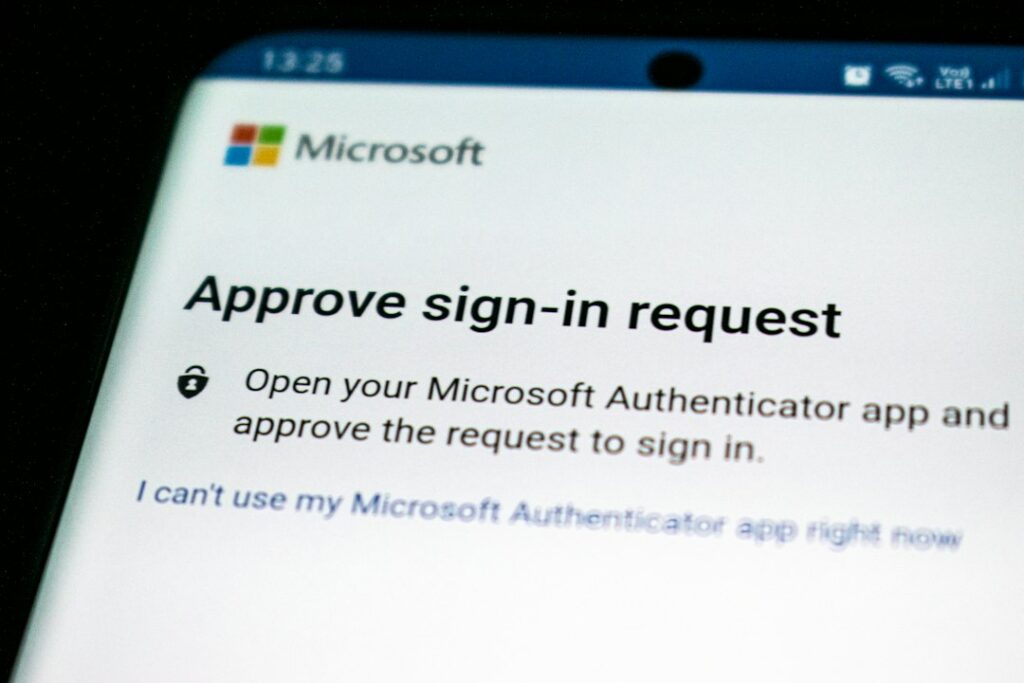
Instead of typing a code, you get a notification asking “was this you?” and tap approve. Similarly strong to an authenticator app, with the added convenience of not having to type anything — but be genuinely careful here: attackers sometimes spam these prompts hoping you’ll tap approve out of annoyance without checking. Only approve one if you’re the one actually signing in at that moment.
Physical security key — the strongest option, worth it for a few accounts
A small physical device (like a YubiKey) you plug in or tap to confirm sign-in. This is effectively immune to remote attacks since it requires physical possession of the key. Overkill for most everyday accounts, but worth considering for the one or two that matter most — your primary email, or anything tied to your business finances.
Which to actually use, account by account
| Account | Recommended method |
|---|---|
| Primary email | Authenticator app, or a security key if you want the strongest option available |
| Banking | Authenticator app if offered; SMS is acceptable if it’s the only option |
| Social media, shopping sites | Authenticator app is fine; SMS still meaningfully better than nothing |
| Anything without a better option | SMS — still worth turning on rather than skipping |
Don’t let “which is best” stop you from turning any of it on
The single biggest security gain is going from no second factor to any second factor. If an authenticator app feels like a hassle to set up right now, SMS today is far better than perfect security next month. Upgrade the method later once it’s actually on.
When it’s worth setting this up with someone
If you want help turning this on properly across your important accounts — and setting up backup codes so you’re not locked out if you lose your phone — that’s a quick session for us. Part of the security support we provide across Manhattan.
On-site and remote tech support for homes and small businesses across the Upper West Side and Manhattan.
Book a consultation (844) 915-4004
We value your opinion. If we have helped you, a quick review means a lot — leave one on Google. Thank you.