
Photography
Working from home in a studio: the setup that doesn’t wreck your back or your Wi-Fi
A studio apartment doesn’t have a spare room to turn into an office — the desk, the bed, and the router are all sharing the same few hundred…
Routers, dead zones, speed, security and networking fixes.

A studio apartment doesn’t have a spare room to turn into an office — the desk, the bed, and the router are all sharing the same few hundred…
Improve Wi-Fi speed, coverage, reliability and security at home, in an office or while traveling.
A fast internet plan cannot fix weak radio coverage. Test signal strength where devices are actually used.
Keep access points elevated, open and away from thick masonry, metal cabinets and microwave ovens.
Business spaces often work best with multiple wired access points instead of one extremely powerful router.
Use WPA2/WPA3, a strong router password, current firmware and separate guest access when practical.
Distance, walls, interference or poor access-point placement are common causes.
Mesh is convenient, but wired access points usually offer more predictable performance when Ethernet is available.
2.4 GHz reaches farther; 5 GHz is typically faster at shorter range.

In a Manhattan co-op or condo, the super blames your router and the managing agent blames your equipment. Here's where the building's network ends and yours begins, the…
You pay for 500 Mbps. In the living room you get it. In the back bedroom, two rooms away, video calls freeze and the smart TV buffers. Nothing…

Slow or dropping Wi-Fi in a Manhattan apartment usually isn’t your internet plan’s fault. Learn what causes dead zones and how to fix them for good.
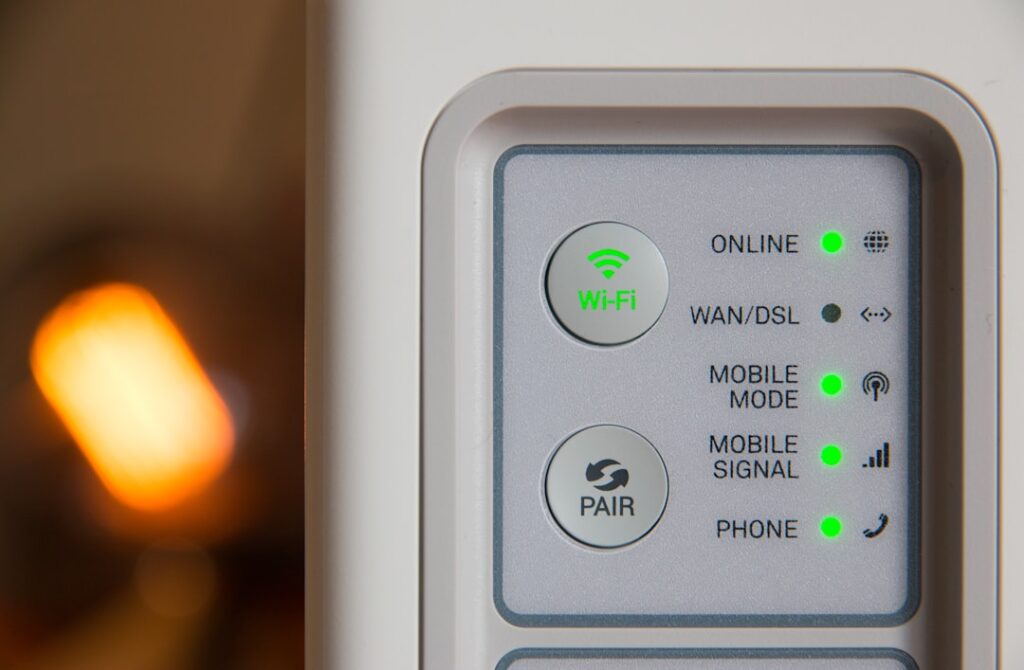
Printer offline, not found, or dropping off Wi-Fi? Learn why it happens in homes and small offices and how to make the connection reliable.
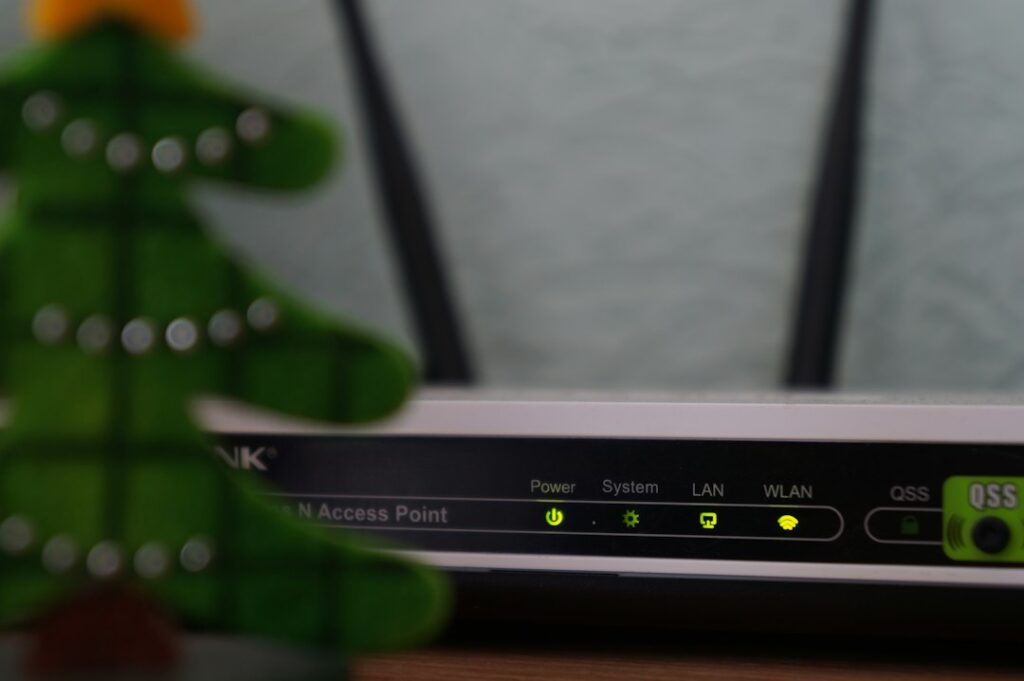
A Wi-Fi connection that drops every twenty minutes usually isn’t random bad luck. It’s almost always one of five specific causes, and each one has a specific fix.…

Running a business out of a Manhattan apartment is common and completely workable — plenty of successful small businesses on the Upper West Side started exactly this way…
Something’s not working — the internet, the intercom, a shared wiring closet issue — and when you call the super or management office, the answer is “that’s your…
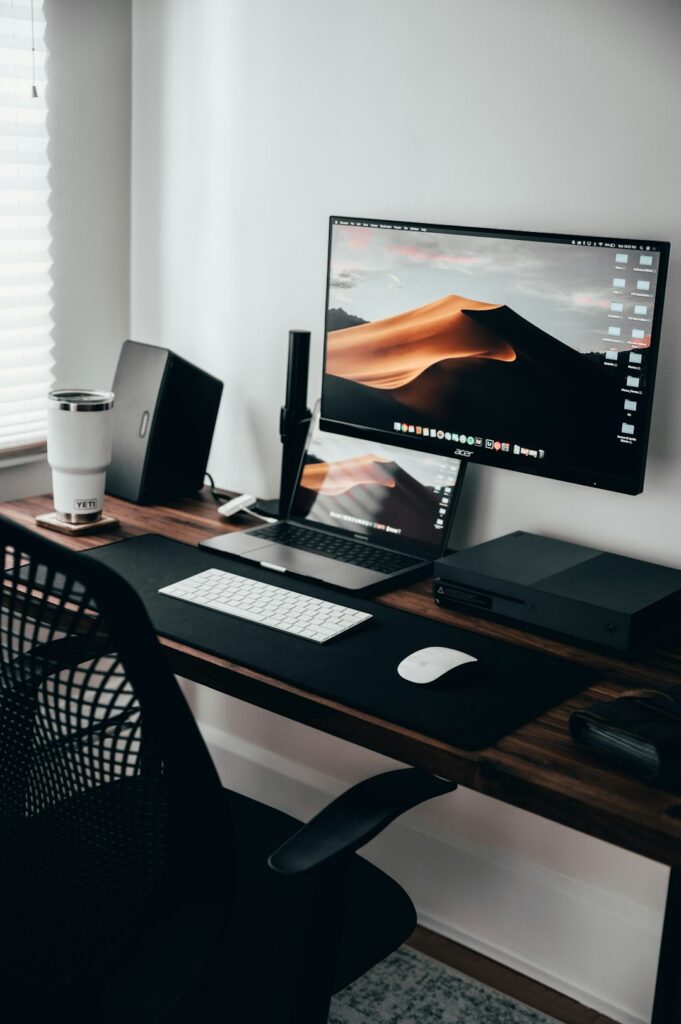
A one-bedroom gives you more to work with than a studio, but “more” in Manhattan still usually means a corner of the living room or a nook in…

“How much will this cost” and “how long will I be without my computer” are the two questions everyone actually wants answered before they book anything. Here’s a…
Useful summaries up front, then deeper steps when you need them.
Live deal/source areas refresh daily. Articles keep their actual modified dates.
Related guides, tools and human support appear where they are genuinely useful.
Search the blog first, or go directly to human support.
Get human help →