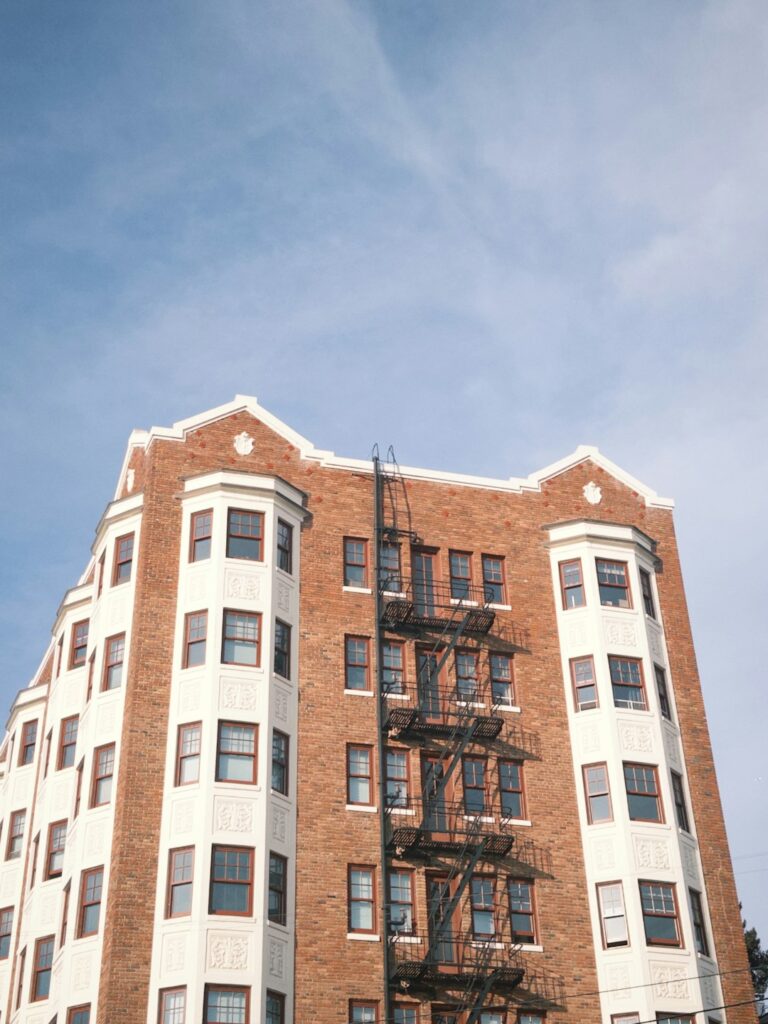
If you’ve lived in a prewar Upper West Side building and also lived in a newer construction apartment, you’ve probably noticed the same router that covered the newer place easily struggles to reach the back bedroom in the prewar one. That’s not your imagination, and it’s not your internet plan — it’s the walls.
Why prewar buildings are genuinely worse for Wi-Fi
Most of the housing stock between roughly 59th and 110th went up before 1940, built with lath-and-plaster walls — and in many buildings, metal mesh under that plaster for structural support. Metal mesh inside a wall acts almost like a shield against Wi-Fi signal, absorbing and reflecting it rather than letting it pass through the way modern drywall does. Add cast-iron radiators, steam risers, and long railroad-style layouts where signal has to cross three or four rooms end to end, and a single router at the front of the apartment simply cannot reliably reach the back.
Fix one: move the router, not the plan
Routers usually get installed wherever the cable enters the apartment — often a front corner, the worst possible spot, since signal radiates outward and half of it gets thrown into the hallway or the street. Moving it toward the center of the apartment, up off the floor and out of a cabinet, is free and often the single biggest improvement available. In maybe a third of the apartments we visit, placement alone solves it.
Fix two: split your bands instead of letting the router guess
Most routers merge 2.4 GHz and 5 GHz under one network name and decide automatically which to use — and that decision is often wrong in a prewar layout, where 5 GHz frequently can’t punch through to the back room at all. Splitting them into separate network names and manually connecting far-away devices to 2.4 GHz (slower on paper, far more reliable through plaster) fixes a huge share of “my Wi-Fi is broken” complaints that are really “my device picked the wrong band.”
Fix three: add a wired or MoCA-backed access point
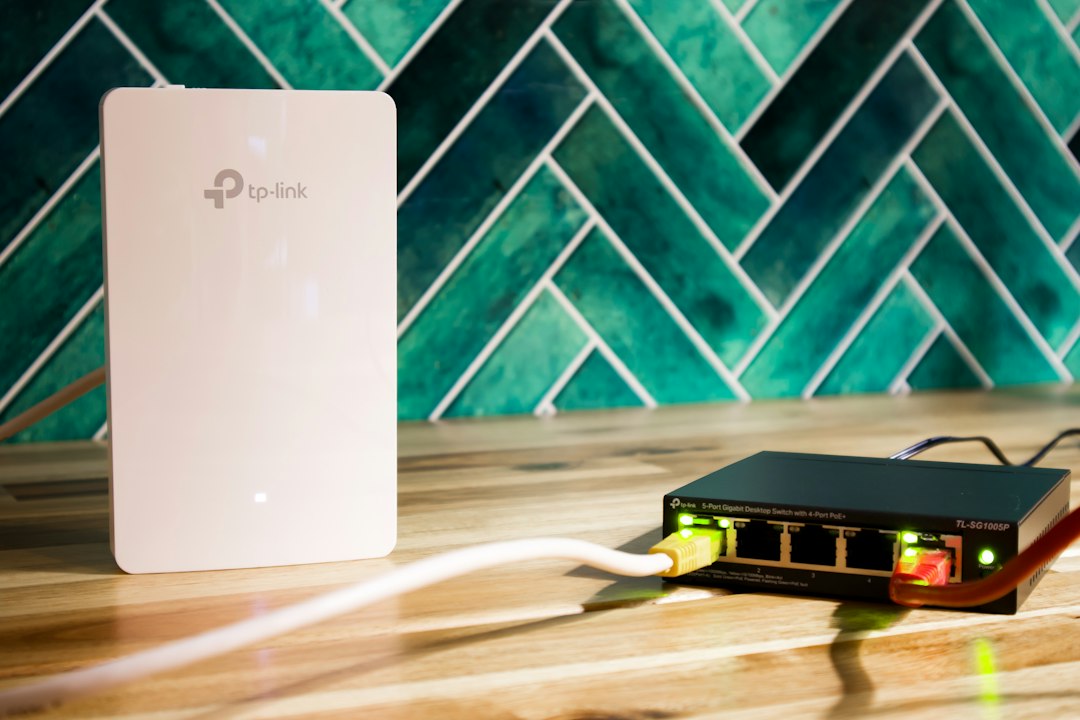
If placement and band changes aren’t enough, a second access point covers the difference — but not all second access points are equal. One connected by Ethernet cable or MoCA (using existing coax wiring already in many prewar buildings for cable TV) gets full-speed backhaul with no signal loss. A wireless mesh node works too, but needs careful placement so it can hear the main router clearly. A cheap plug-in range extender is usually the wrong answer — it typically halves your speed and creates a second network name you have to switch between manually.
A realistic plan for a one- or two-bedroom Upper West Side apartment
- Move the router toward the center, off the floor. Free.
- Split the bands and manually connect the far room’s devices to 2.4 GHz. Free.
- If it’s still bad, a two-node mesh or wired access point — typically $150–$300 in hardware.
When it’s worth calling someone
Deciding where a second node goes, whether coax backhaul is viable in your specific building, and getting devices to actually hand off between access points as you move room to room is where this tends to get fiddly. It’s exactly what we handle in our Wi-Fi and network support across the Upper West Side and Manhattan — we survey the apartment and install the right fix, not the most expensive one.
On-site and remote tech support for homes and small businesses across the Upper West Side and Manhattan.
Book a consultation (844) 915-4004
We value your opinion. If we have helped you, a quick review means a lot — leave one on Google. Thank you.