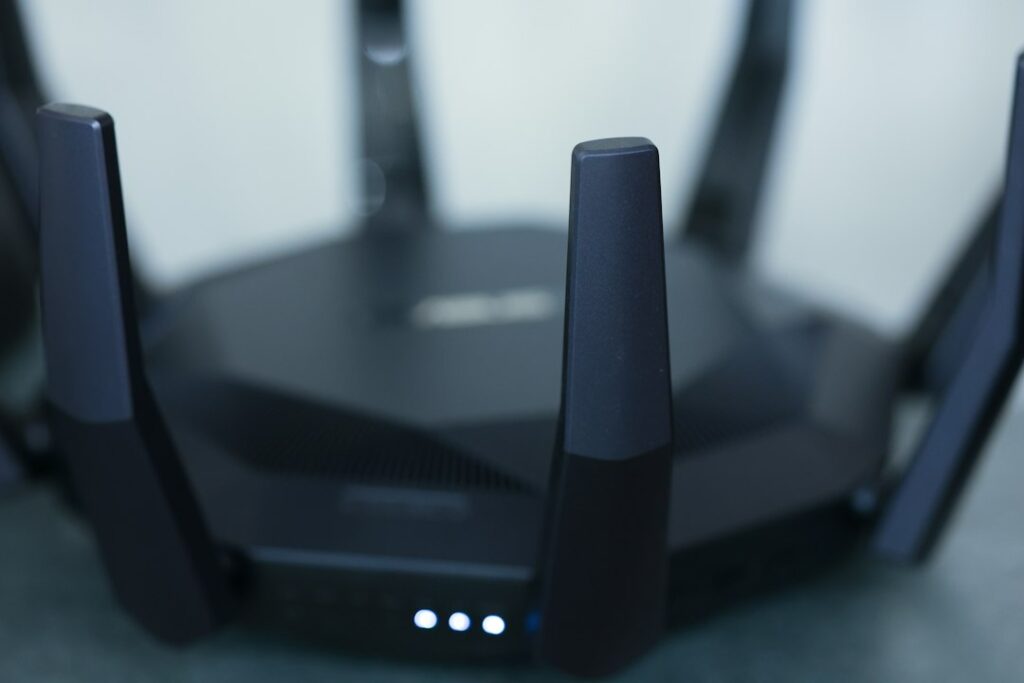
Most routers today broadcast on two or three separate radio bands at once, and most devices will happily connect to whichever one seems available — which is exactly why people end up with a phone stuck on a slow, congested connection two rooms away from a router that’s actually capable of much better. Understanding what each band is actually good at takes the guesswork out of it.
The trade-off in one sentence
Every step up in frequency — 2.4 GHz to 5 GHz to 6 GHz — buys you more speed and less congestion, and costs you range and the ability to pass through walls. There’s no “best” band, only the right one for a given device in a given spot.
2.4 GHz: slowest, travels furthest
This is the oldest Wi-Fi band, and it’s also used by cordless phones, microwaves, baby monitors and most smart-home gadgets, which makes it the most crowded. Its big advantage is physics: a lower frequency wave passes through walls, floors and furniture far more easily than a higher one. In a prewar apartment with plaster-and-lath walls, or in a railroad layout where the signal has to cross several rooms, 2.4 GHz is often the only band that reliably reaches the back of the apartment at all.
Best for: smart-home devices, anything far from the router, anything that doesn’t need much bandwidth (a smart plug doesn’t need 5 GHz).
5 GHz: the everyday workhorse
Faster and far less congested than 2.4 GHz, but noticeably worse at penetrating walls. In an open loft it can cover the whole space easily; in a chopped-up prewar apartment it often can’t make it past two walls at full strength. This is the right band for most laptops, streaming devices and phones when you’re in the same room or one room away from the router.
Best for: laptops, streaming boxes, video calls, most day-to-day use within a room or two of the router.
6 GHz: fastest, and it barely leaves the room
Available on newer routers and devices (Wi-Fi 6E and Wi-Fi 7), 6 GHz is essentially empty of interference because almost nothing else uses it yet, which makes it extremely fast and extremely clean — but it has the shortest range of the three by a wide margin. It’s excellent for something like a desktop computer or a game console sitting close to the router, and close to useless for a device on the other side of the apartment.
Best for: a device that’s in the same room as the router and needs maximum speed — a desktop, a console, a TV right below where the router sits.
So which one should your device actually be on?
| Situation | Best band |
|---|---|
| Same room as the router, need top speed | 6 GHz if available, otherwise 5 GHz |
| One room away, normal use | 5 GHz |
| Far room, through multiple walls | 2.4 GHz |
| Smart-home gadget anywhere in the apartment | 2.4 GHz (most only support this band anyway) |
Why your devices might be choosing badly
Many routers merge all bands under one network name and use “band steering” to decide automatically, and it doesn’t always decide well — a phone can cling to a weak 5 GHz signal instead of dropping to a strong 2.4 GHz one, which feels like your Wi-Fi is broken when it’s actually just picking the wrong band. If a specific device in a specific spot is consistently unreliable, going into your router’s advanced settings and splitting the bands into separate network names (so you can manually choose) is often the single most effective fix available — more reliable than buying new hardware.
When it’s worth calling someone
Getting this right in a whole apartment or a small office — deciding where mesh nodes go, which bands to split apart, and which devices should be pinned where — is exactly the kind of thing that takes an hour with the right knowledge and can take a frustrating weekend without it. It’s part of the Wi-Fi and network support we do across the Upper West Side and Manhattan, and if you’re dealing with dead spots specifically rather than band confusion, we’ve also written about why prewar buildings kill Wi-Fi coverage.
On-site and remote tech support for homes and small businesses across the Upper West Side and Manhattan.
Book a consultation (844) 915-4004
We value your opinion. If we have helped you, a quick review means a lot — leave one on Google. Thank you.