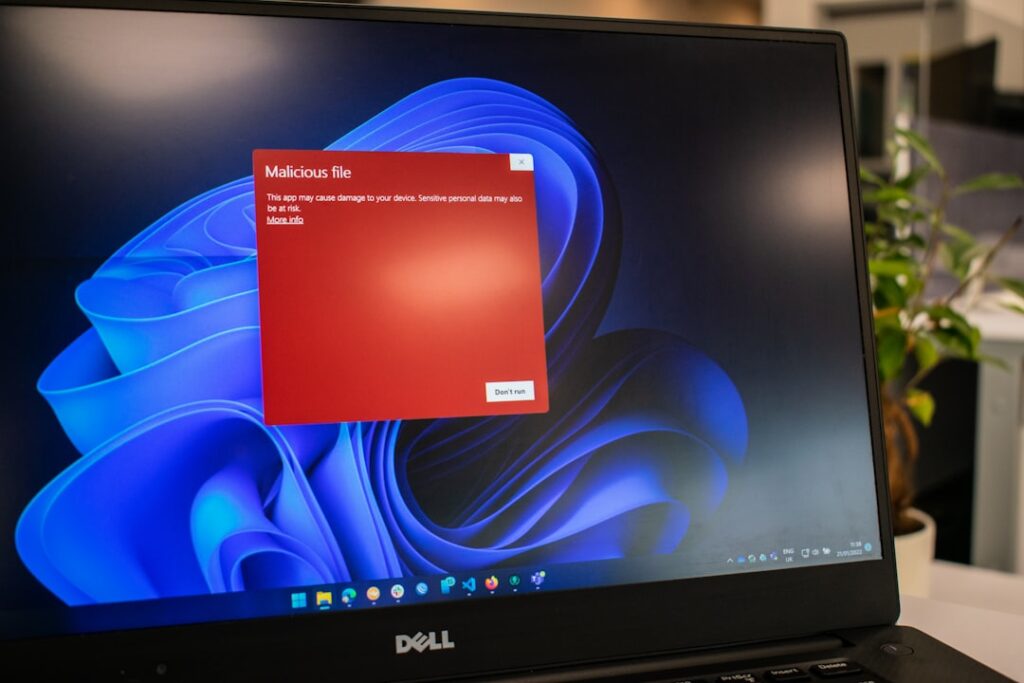
A browser tab suddenly fills with a flashing red warning, sometimes with a loud alarm sound, telling you your computer is infected and to call a number immediately. It looks alarming and it is completely fake — a website popup, not your computer telling you anything. Here’s how to know for certain, and what to actually do.

The tell: it’s inside your browser, not your operating system
Real security software runs as part of your operating system and shows alerts in a system notification style, not as a full-screen webpage. If the warning appeared while you were browsing, has browser-style buttons, or is impossible to close normally, it’s a webpage — specifically, a malicious ad or a compromised site trying to scare you into calling a fake support number or downloading fake “antivirus” software that’s actually malware.
What to do right now
- Don’t call any number shown. That’s the entire point of the scam — getting you on the phone with someone who’ll ask for remote access or payment.
- Don’t click anything on the popup, including buttons that say “Close” or “X” — some of these are designed to trigger a download instead of actually closing.
- Close the browser entirely. On Windows, Alt+F4 or End Task via Task Manager if it won’t close normally. On Mac, Cmd+Q, or Force Quit if needed.
- Reopen the browser without restoring the previous session if it asks — you don’t want that tab coming back.
If it keeps coming back every time you open the browser
That suggests a malicious browser extension or a changed homepage setting, not just an unlucky ad. Check your browser’s extensions list for anything you don’t recognize and remove it, and check that your homepage and default search engine haven’t been changed to something unfamiliar.
Did you already call the number, or install something?
If you called and let someone remote into your computer, or downloaded and ran something from that popup, treat it the same as any scam remote-access situation: disconnect from the internet, uninstall whatever was installed, and change your important passwords from a different device. We’ve covered the fuller version of this in what to do if you let a fake tech support caller onto your computer.
How to avoid the ad network that shows these in the first place
These popups usually come through ad networks on otherwise normal websites — you don’t have to be doing anything risky to encounter one. A reputable ad blocker meaningfully reduces how often you see them, and keeping your browser itself updated closes some of the tricks used to make these harder to close.
When it’s worth calling someone
If you’re not fully sure whether anything actually got installed, that’s worth a real check rather than assuming you’re fine. Part of the computer support we provide across the Upper West Side and Manhattan.
On-site and remote tech support for homes and small businesses across the Upper West Side and Manhattan.
Book a consultation (844) 915-4004
We value your opinion. If we have helped you, a quick review means a lot — leave one on Google. Thank you.