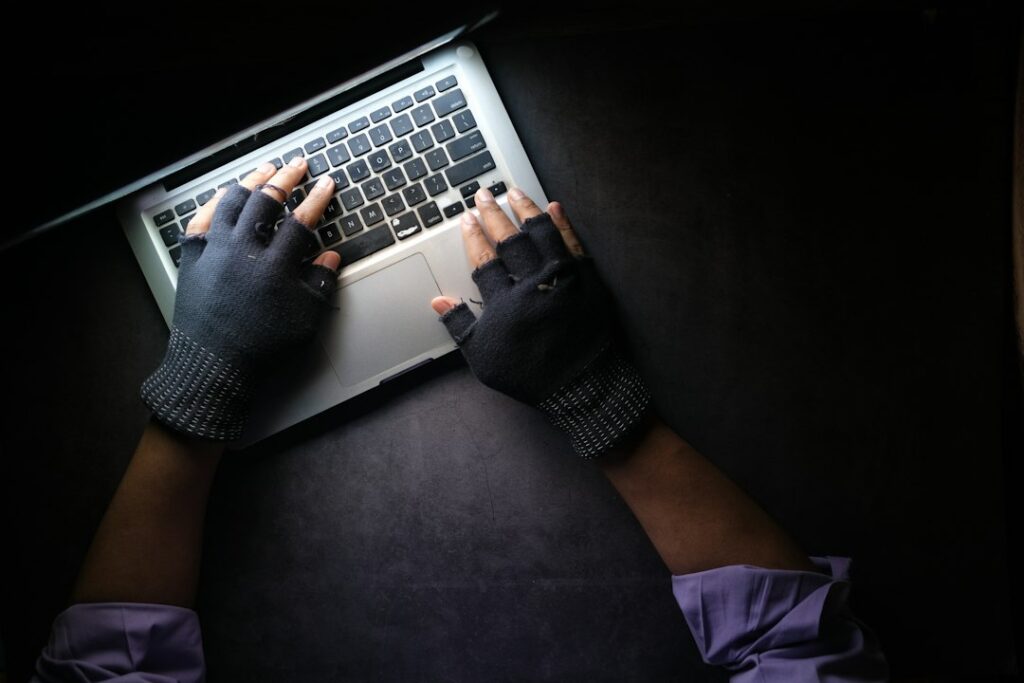
A notification says your email showed up in a data breach. It’s more common than it feels — most people’s information has been exposed somewhere by now — and the response that actually matters takes about five minutes, not the hour of panic it tends to trigger.

First, understand what was actually exposed
Not all breaches are equal. Check what the notification (or a site like Have I Been Pwned) says was included — just an email address is a mild inconvenience (more spam), while a password, security questions, or financial details is a real problem that needs action today.
The five-minute response
- Change the password on the breached site, if you still use it.
- Change that same password anywhere else you reused it. This is the step that actually matters most — if you used the same password on your email or banking, that’s now at risk too, regardless of which site was actually breached.
- Turn on two-factor authentication on the breached account and on your email specifically, if it isn’t already on.
- Watch for follow-up phishing. Breached email addresses get targeted with scam emails referencing the breach to seem credible. Treat any “your account was compromised, click here” email with suspicion, even if it looks official.
The bigger fix, if this keeps happening
If you keep getting these notifications because the same password shows up in breach after breach, that’s a sign of password reuse across many sites — the actual root cause, not each individual breach. A password manager that generates a unique password for every site means one leaked password can’t be tried anywhere else. We’ve written up how to start using one without losing access to anything, and the fuller picture on account security in the 20-minute fix that stops most account hacks.
What not to worry about
A breach notification alone doesn’t mean someone is actively in your accounts right now — it means your information appeared in a leaked dataset, which could be old or already acted on by the site itself. It’s a prompt to act, not an emergency in progress, unless you notice signs of actual account access you didn’t authorize.
When it’s worth calling someone
If you’re not sure whether an account was actually accessed, or you want help setting up a password manager and 2FA properly across everything at once rather than piecemeal, that’s a quick session for us. Part of the security support we provide across Manhattan.
On-site and remote tech support for homes and small businesses across the Upper West Side and Manhattan.
Book a consultation (844) 915-4004
We value your opinion. If we have helped you, a quick review means a lot — leave one on Google. Thank you.