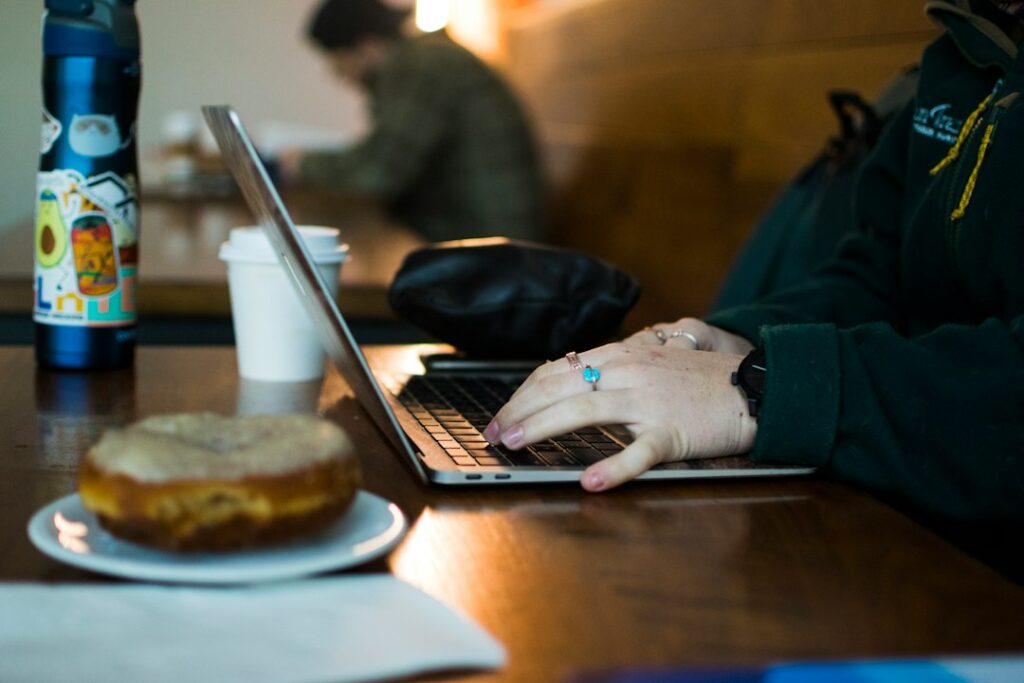
Coffee shop Wi-Fi, hotel Wi-Fi, the subway’s Wi-Fi at the stations that have it — the advice about public Wi-Fi being dangerous is mostly outdated, but not entirely. Here’s what’s actually still a risk in 2026, and what isn’t worth worrying about.
Why this got safer than it used to be
The old fear was that someone on the same network could intercept your traffic and read your passwords. That was a real risk a decade ago, when most websites didn’t encrypt their connections. Today, the vast majority of sites use HTTPS by default (you’ll see a padlock icon in the address bar), which encrypts traffic between your device and that site regardless of what network you’re on. Someone sharing a coffee shop network with you generally cannot read an HTTPS connection just by being on the same Wi-Fi.
What’s still genuinely risky
- Fake networks with legitimate-sounding names. A network called “Starbucks Free WiFi” that isn’t actually Starbucks’ network can be set up by anyone nearby specifically to intercept traffic. If you’re not certain a network name is the real one, ask an employee rather than assuming.
- Anything not using HTTPS. Rare today, but if your browser shows “Not Secure” in the address bar, don’t enter passwords or payment information on that site regardless of what network you’re on — that’s actually more about the site than the Wi-Fi.
- File sharing left on. If your laptop has file sharing or AirDrop set to be discoverable by everyone, a public network is where that setting actually matters. Check it’s set to contacts-only or off before you’re in a crowded space.
- Auto-connecting to open networks. If your phone or laptop is set to automatically join any open Wi-Fi network, it can connect to a malicious one without you noticing. Turning off auto-join for unknown networks is a small setting worth checking once.
What’s not really a risk anymore
General browsing, checking email through a legitimate provider, and most everyday activity on a public network are fine given how widely HTTPS is used now. A VPN adds a layer of privacy (hiding your browsing from the network operator) but isn’t the safety-critical tool it’s often sold as — it’s a privacy choice more than a security requirement for most people.
The one habit worth keeping
Before entering anything sensitive on public Wi-Fi — banking, anything with a saved payment method — glance at the address bar for the padlock and the correct domain name. That single check covers the large majority of what actually goes wrong on public networks today.
When it’s worth calling someone
If you regularly work from cafes or co-working spaces around the Upper West Side and want your specific setup checked — file sharing settings, auto-connect behavior, whether you actually need a VPN for what you do — that’s a quick thing to review together. Part of the security support we provide across Manhattan.
On-site and remote tech support for homes and small businesses across the Upper West Side and Manhattan.
Book a consultation (844) 915-4004
We value your opinion. If we have helped you, a quick review means a lot — leave one on Google. Thank you.