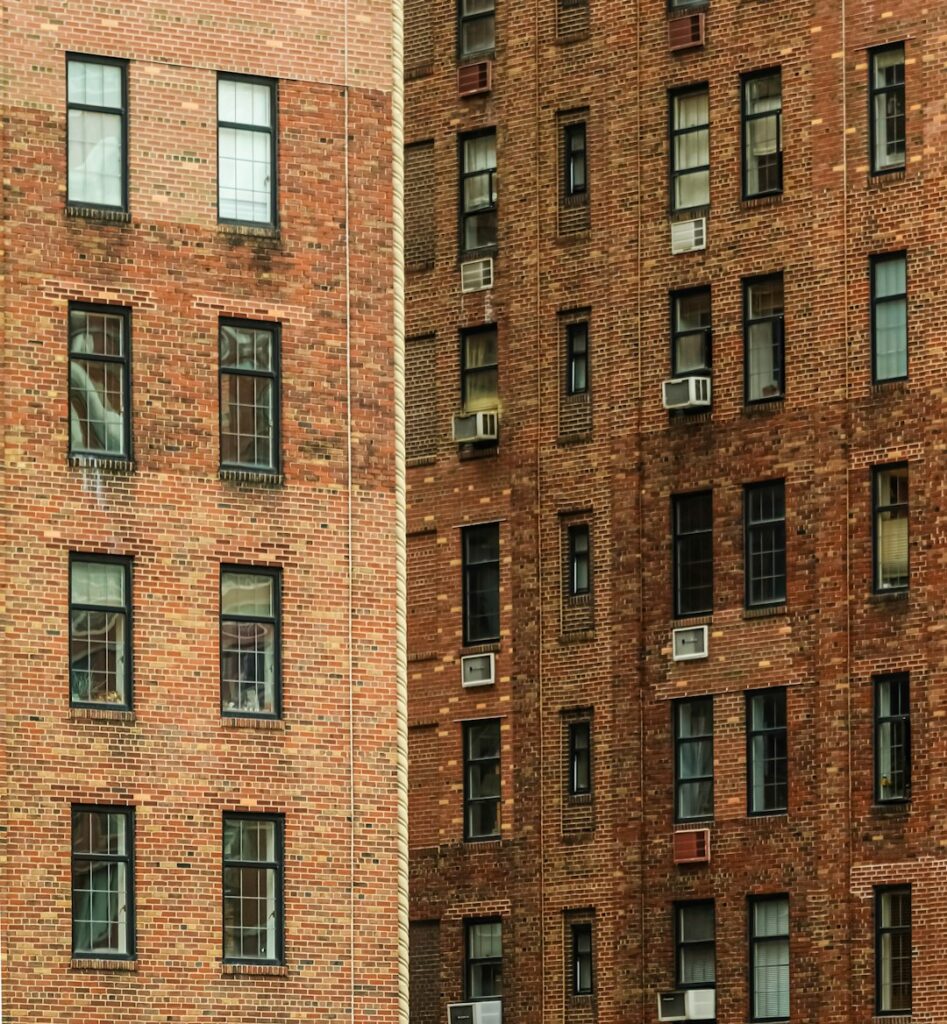
Every Wi-Fi complaint in a Manhattan co-op or condo turns into the same argument. You say the internet is bad. The managing agent says the building’s system is fine. The super says it’s your equipment. Everyone is partly right, because there are at least three separate pieces of network between the street and your laptop, and each one belongs to a different party.
Here’s how to tell which piece is broken, what you’re actually allowed to change, and when it’s worth pushing the board instead of buying another router.
Get Human Help →
Plug a laptop into your router with an Ethernet cable and run a speed test. Fast wired, slow wireless means the problem is inside your apartment. Slow both ways means it’s the building’s wiring or the provider — and your modem’s signal page will tell you which.
The three arrangements, and why it matters which one you have
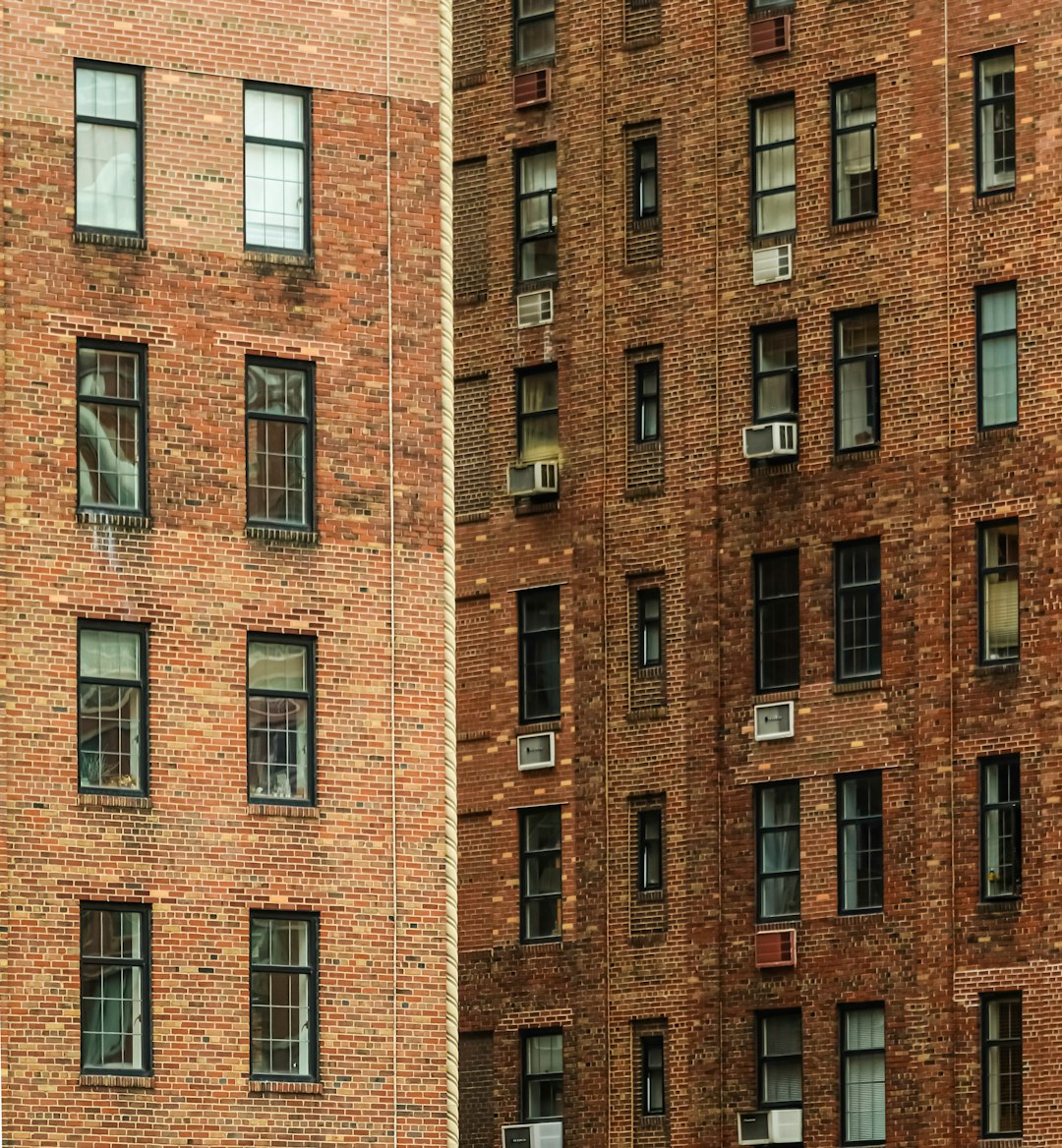
Before you troubleshoot anything, find out how your building buys internet. On the Upper West Side you’ll run into one of three setups, and they have completely different repair paths.
Individual accounts. The most common in prewar co-ops. The building owns the wiring in the walls and risers; you have your own account with Spectrum, Verizon, or whoever serves the building. Everything from the jack in your wall to your laptop is yours. Everything behind that jack is the building’s, maintained under an agreement with the provider.
Bulk billing. The board negotiated a wholesale rate for the building and the cost is folded into maintenance or common charges. You still have your own modem and router, but you didn’t pick the provider and leaving doesn’t stop the charge. Speed tiers are usually upgradeable at your own expense.
Building-managed Wi-Fi. Increasingly common in newer condos and in co-ops that did a full rewire. The building installs access points in each unit and runs the whole thing off one controller. You connect to a building SSID with your own credentials. This is the setup where most DIY advice on the internet simply doesn’t apply to you — you can’t change the channel, the band, or the transmit power, because a controller in the basement decides all three for every apartment at once.
If you don’t know which you have, the managing agent’s office knows in about thirty seconds. Ask before you spend a Saturday on this.
What’s actually yours: the demarcation point
Telecom people call the boundary the demarc. In a Manhattan apartment building it usually sits in the basement, where the provider’s feed enters — then a riser carries it up, and a drop runs from a hallway closet tap into your unit.
Your responsibility begins at the jack: the modem, the router, the coax patch cable, the splitter you added for the bedroom TV, every device on the network, and where the router sits. In practice that’s 80% of real complaints, which is why the super’s answer is right more often than people want to admit.
The building owns the riser, the taps and amplifiers in the hallway closets, the basement equipment, and the condition of the drop into your wall. You are not allowed to open a hallway telecom closet, and you shouldn’t want to — in many buildings those closets also hold fire alarm and intercom gear.
The ten-minute test that settles the argument
Almost nobody does this, and it decides the whole question.
- Plug a laptop into the modem or router with an Ethernet cable and run a speed test. If wired is fast and Wi-Fi is slow, the building is not your problem — your Wi-Fi is. Stop here and go fix coverage inside the apartment.
- If wired is also slow, open your cable modem’s status page. On most cable modems that’s
192.168.100.1in a browser, and it works even when the internet is down. Look for the signal table and read three numbers. - Check it at different times. If the numbers below are all healthy but speed collapses between 7 and 11 p.m., you’re looking at congestion on a shared segment — a provider capacity issue the building can escalate and you cannot.
| What to read | Healthy range | What it means if it’s outside |
|---|---|---|
| Downstream power | roughly −7 to +7 dBmV | Signal reaching you is too weak or too hot — usually splitters or tired cable |
| Signal-to-noise ratio | above about 33 dB | Noise is getting into the line somewhere between you and the basement |
| Upstream power | below about 51 dBmV | Your modem is shouting to be heard — a long or degraded path back |
Numbers well outside those ranges mean the signal arriving at your apartment is already damaged. That’s a wiring problem, and a good chunk of the time it’s the building’s wiring, not yours. Walk into the managing agent’s office with those screenshots instead of “the internet is bad” and you get a completely different response. Same with the provider — signal levels are the language their dispatch system understands.
The prewar wiring problem nobody mentions
Here’s the cause that explains a lot of otherwise baffling Upper West Side buildings. Many were wired for cable television in the late 1970s and 1980s, using RG-59 coax and passive splitters. RG-59 works fine for what it was installed to do, but it loses noticeably more signal than modern RG-6 at high frequencies — and modern cable internet lives at exactly those frequencies.
So you can have a building that is genuinely “Spectrum-ready,” with a service agreement in place, that still cannot deliver the speed you’re paying for to the sixth floor. Nothing is broken. The cable is just forty years old and was never meant for this. No router you buy will change that. The fix is a riser upgrade, which is a capital expense and a board decision.
The same logic applies to fiber. If your building has no Verizon Fios and you want it, the obstacle is almost never Verizon — it’s that the board never signed a right-of-entry agreement giving them permission to run fiber through the risers. That’s an agenda item at a board meeting, not a service call.
“The building only allows one provider” — usually not true
You’ll hear this from supers and sometimes from managing agents. Worth knowing: genuinely exclusive wired-broadband contracts in apartment buildings have been prohibited by the FCC since 2008, and the rules were tightened in 2022 to limit exclusive revenue-sharing and require disclosure of exclusive marketing deals. Buildings can have marketing arrangements. They generally cannot lock out a competitor who wants to serve you.
In practice the limit is physical, not legal — no conduit space left in the riser, or a board that doesn’t want the disruption. That’s a real constraint, but it’s a negotiable one, and a different conversation than “we’re not allowed.”
If you have a terrace or balcony you have exclusive use of, the FCC’s OTARD rule also protects your right to install a small antenna or fixed wireless receiver there over a board objection, with real limits around common elements and landmark buildings. Worth knowing before you accept a flat no.
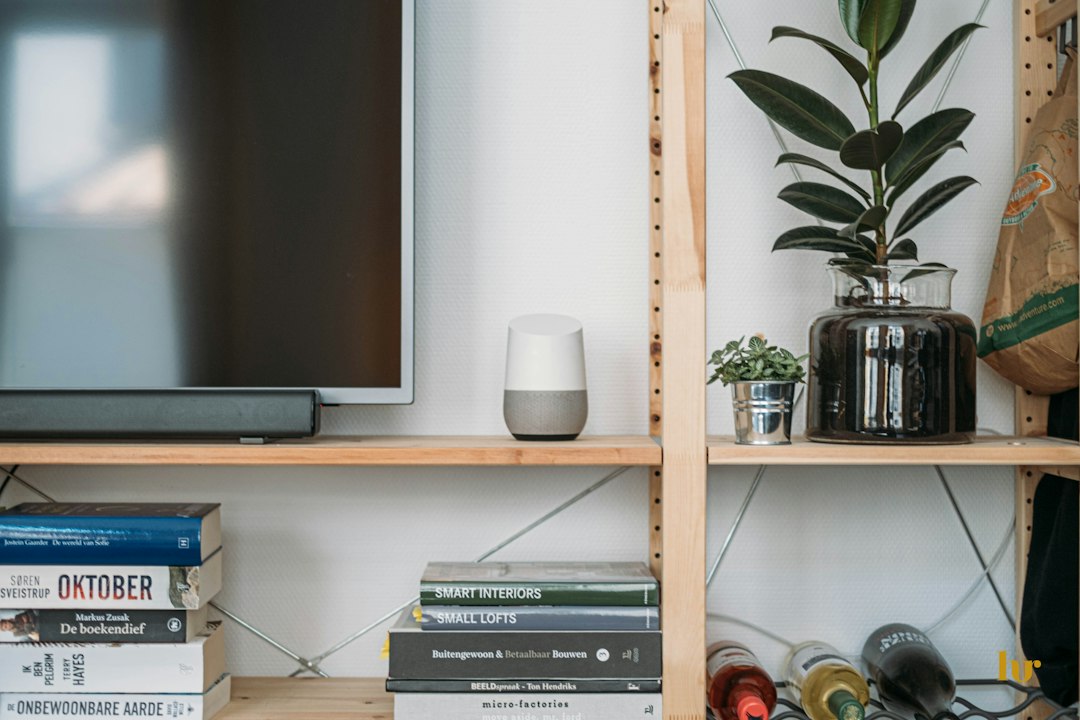
If your building runs the Wi-Fi, your options are narrower — but not zero
In a managed-Wi-Fi building you can’t change the radio settings, and calling the building’s support line is often the only supported path. Two things you can still do:
Add your own router behind the building’s connection, if they hand you an Ethernet port and permit it. You get your own network name, your own settings, and a printer and network drive that can actually see each other. The trade-off is double NAT — two routers each handing out addresses — which is harmless for browsing and streaming but breaks some remote-access tools, a few VPNs, and certain game consoles. Ask the building to put their device in bridge mode and that disappears.
Fix the parts that are still physics. If the building’s access point sits in a closet behind a plaster wall, no amount of escalation changes the plaster. A wired run to a second access point in the far room is still the honest fix, and that part is inside your apartment. Our guide to slow Wi-Fi in a NYC apartment covers placement in detail.
When to call someone, and when not to bother
Don’t pay anyone yet if you haven’t run the wired speed test. It costs nothing and it decides who owns the problem. Half the people who call us about “building internet” have a router in a media cabinet behind a metal door.
Call the provider when modem signal levels are out of range, or when speed drops sharply at the same hour every night. Both are on them, and both are fixable without the board.
Bring it to the board when several units report the same numbers, or when you want fiber the building doesn’t have. One resident’s complaint is a service ticket; four residents with signal readings is a capital planning discussion.
Bring in an independent technician when you need someone who isn’t the provider and isn’t the building to say which it is — especially if you work from home and downtime costs real money. That’s most of what a Wi-Fi and networking call is: measure, document, and hand you something the building or the provider has to act on. If you’re setting up an office rather than fixing one, our small business IT support page covers the wiring decisions worth making up front, and general computer support covers everything downstream of the network.
One last practical note for Manhattan: whoever you hire will likely need a certificate of insurance naming the building before the super lets them past the lobby. Ask for it when you book, not the morning of. It takes an afternoon to issue and it’s the single most common reason a scheduled visit gets turned away at the door.
If you’ve done the test and you still can’t get a straight answer out of the building or the provider, get in touch — we’ve had this argument in a lot of Upper West Side lobbies.
On-site and remote tech support for homes and small businesses across the Upper West Side and Manhattan.
Book a consultation (844) 915-4004
We value your opinion. If we have helped you, a quick review means a lot — leave one on Google. Thank you.