 Mac
Mac
macOS 27 Golden Gate + Lightroom: What Photographers Should Do Before Upgrading
Before upgrading a photography Mac to macOS 27 Golden Gate, check Lightroom, plugins, printers, tethering tools, Rosetta apps and —…
Updated Sep 19, 2026
macOS fixes, backups, storage, performance, migration and smarter buying decisions.
Only articles that match this topic strongly enough to belong here.
Mac
Before upgrading a photography Mac to macOS 27 Golden Gate, check Lightroom, plugins, printers, tethering tools, Rosetta apps and —…
Updated Sep 19, 2026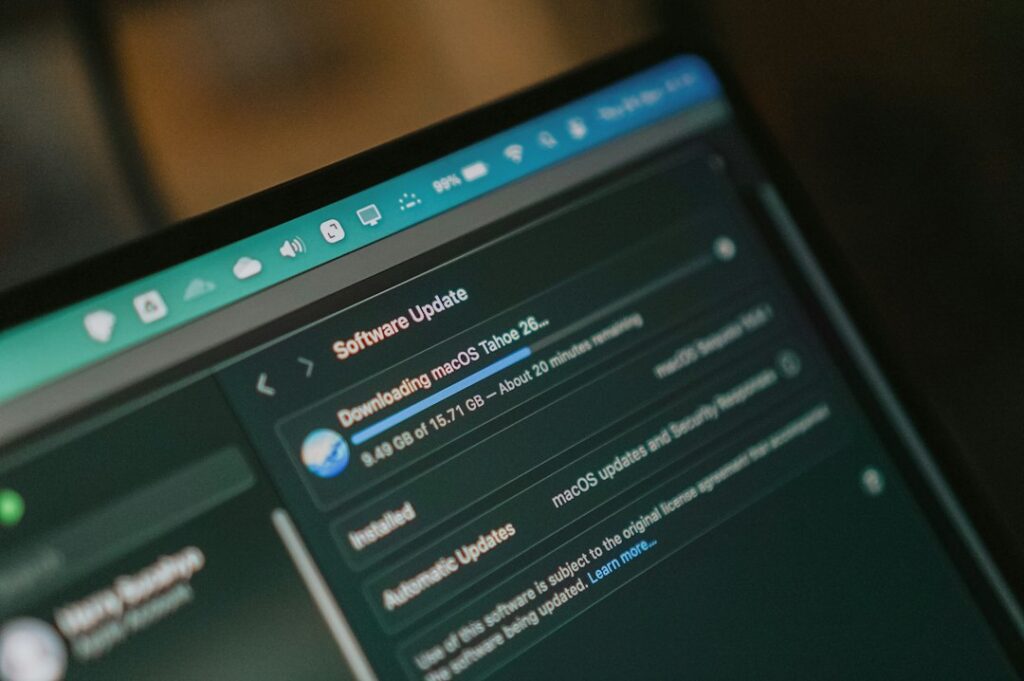 Mac
Mac
The download finishes, or seems to, and then the install just stalls — or it fails partway with a vague…
Updated Sep 17, 2026 Mac
Mac
These easy-to-miss macOS Tahoe features can help you work faster, find copied items, screen calls, track Live Activities and get…
Updated Sep 15, 2026 Mac
Mac
You press the power button. Nothing — no chime, no light, no fan spinning up. Before you book a Genius…
Updated Sep 17, 2026 Mac
Mac
An older Mac doesn’t have to feel unusable. Learn what slows Macs down over time and which fixes make the…
Updated Sep 15, 2026 Mac
Mac
Your laptop won’t boot, or it’s crawling, or the screen is cracked. In Manhattan you have four realistic options, and…
Updated Sep 15, 2026 Mac
Mac
The warning shows up when you’re already down to a few gigabytes, which means you don’t have much time to…
Updated Sep 17, 2026Start with the exact symptom, make sure important files are backed up, and record the exact error message before making changes.
Stop when there is possible data loss, repeated crashes, clicking drives, suspected fraud/account theft, liquid damage, or a business system affecting several people.
Many software, Microsoft 365, setup and account problems can be handled remotely. Hardware, cabling and some network problems may need on-site support.
On-site and remote help for Mac, Windows, Wi-Fi, printers, Microsoft 365, security and small-business technology in New York City.
Search the blog first, or go directly to human support.
Get human help →