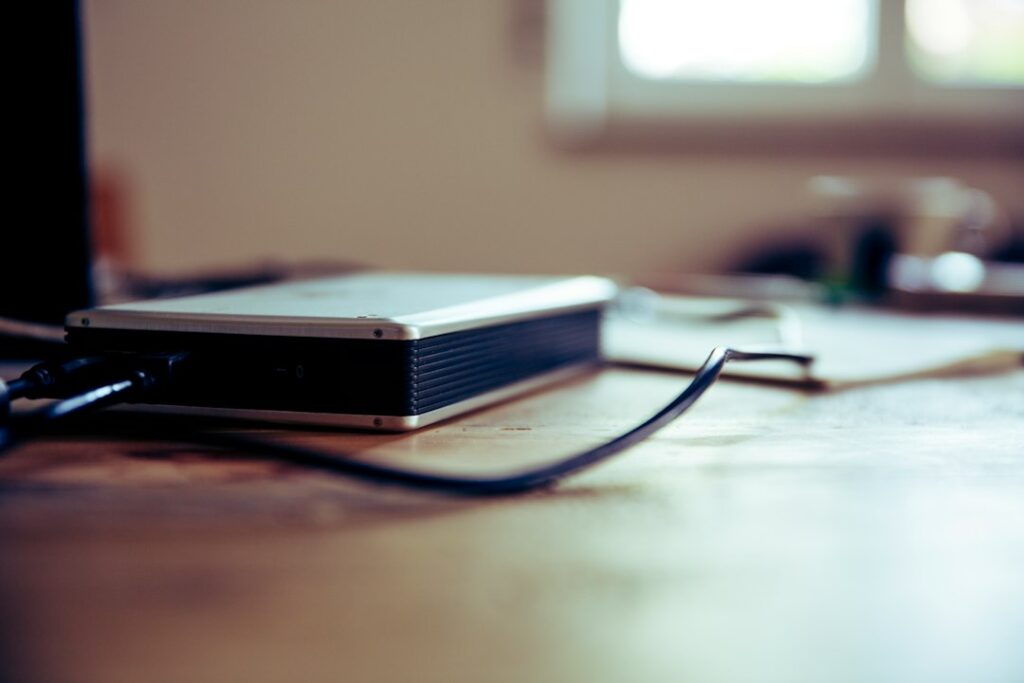
A rhythmic clicking, ticking, or beeping from an external hard drive is one of the few computer sounds that should make you stop immediately. It’s commonly called “click of death,” and it usually means the drive’s internal read head is failing — continuing to use it risks turning a recoverable problem into an unrecoverable one.
Why the sound matters more than it seems
Traditional hard drives (not SSDs, which have no moving parts and don’t make this noise) store data on spinning platters, read by a tiny mechanical arm. A clicking sound usually means that arm is failing to find its position correctly and is repeatedly retrying — and every retry is additional wear on a component that’s already breaking down. The drive may still appear to work intermittently, which is exactly what makes people keep using it and make things worse.
What to do right now
- Stop using it immediately. Don’t try to copy files “one more time” to see if it still works — each attempt risks further damage.
- Don’t open it, shake it, freeze it, or try any of the folk remedies you’ll find online. These occasionally worked on very old drive designs decades ago and are far more likely to cause harm than help on modern drives.
- Don’t run disk repair or “fix” utilities on it. These tools can make changes that overwrite recoverable data, which is the opposite of what you want if the drive still contains something you need.
What this means for your data
If everything on that drive is also backed up elsewhere, this is an inconvenience — replace the drive and restore from the other backup. If it’s the only copy of something, this is exactly the scenario professional data recovery exists for: a lab can sometimes recover data from a mechanically failing drive using specialized equipment, but only if the drive isn’t run any further first. The window between “drive clicks” and “drive is unreadable entirely” can be short.
Why this is a good moment to rethink your backup setup
A drive failing is not a matter of if but when — all mechanical drives eventually fail. If this incident revealed that something important only existed in one place, that’s worth fixing going forward regardless of how this specific drive turns out. We’ve laid out the backup approaches we actually trust, built specifically around not having a single point of failure like this.
When it’s worth calling someone
If there’s anything on that drive you can’t afford to lose, stop trying things yourself and get it assessed before more use makes recovery harder or impossible. We can advise honestly on whether it’s a DIY situation or a professional data-recovery one — part of the computer support we provide across the Upper West Side and Manhattan.
On-site and remote tech support for homes and small businesses across the Upper West Side and Manhattan.
Book a consultation (844) 915-4004
We value your opinion. If we have helped you, a quick review means a lot — leave one on Google. Thank you.