
Mac
Moving Apartments in NYC? Set Up Your Internet Without Losing a Week
Internet is the thing people leave to last when they move, and the thing that takes longest to fix. Here's the order that gets you online on day…
Browse useful guides, recent stories and practical next steps.

Internet is the thing people leave to last when they move, and the thing that takes longest to fix. Here's the order that gets you online on day…
Practical technology guidance for computers, backups, storage, troubleshooting, buying decisions and everyday digital life.
Write down what changed, when the problem started and whether it affects one device or several.
Before resets, reinstalls or hardware work, confirm that important files exist in a separate backup.
Troubleshooting is faster when you can tell which change actually fixed the problem.
Repeated crashes, drive errors, burning smells, liquid damage or business-critical outages are good reasons to get professional help.
Restart, check power/connectivity, install pending updates and note any error message exactly.
Device model, operating system, exact error, recent changes and whether backups exist.
Usually not. A reinstall is a later step after simpler causes and data protection are addressed.
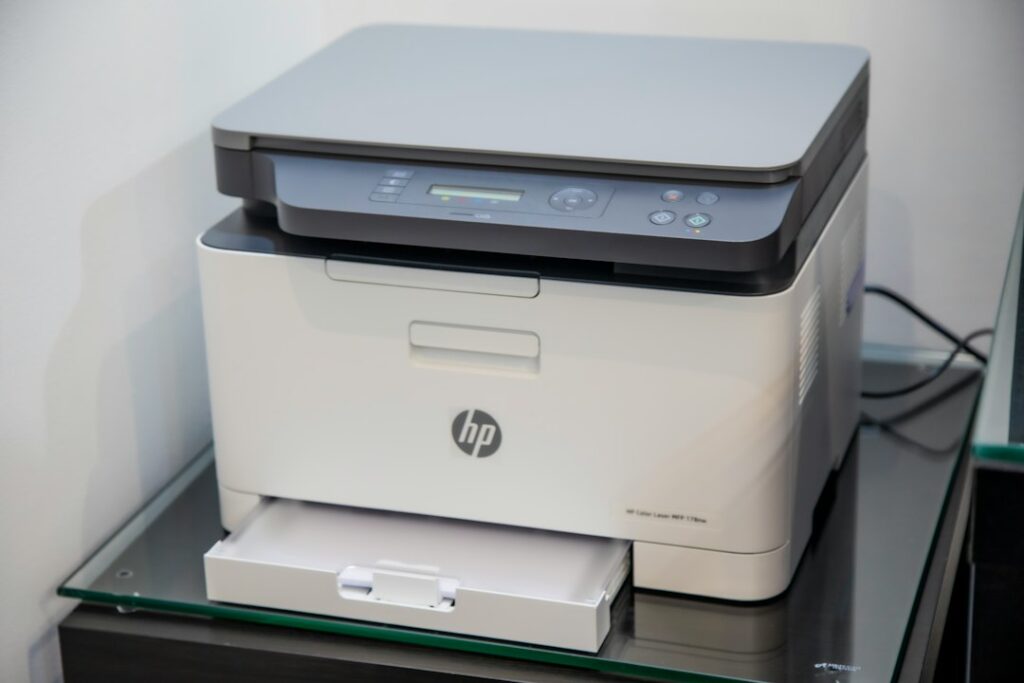
The printer is plugged in. The screen is lit. It printed fine yesterday. And Windows or macOS insists it’s “Offline.” This is one of the most misleading error…
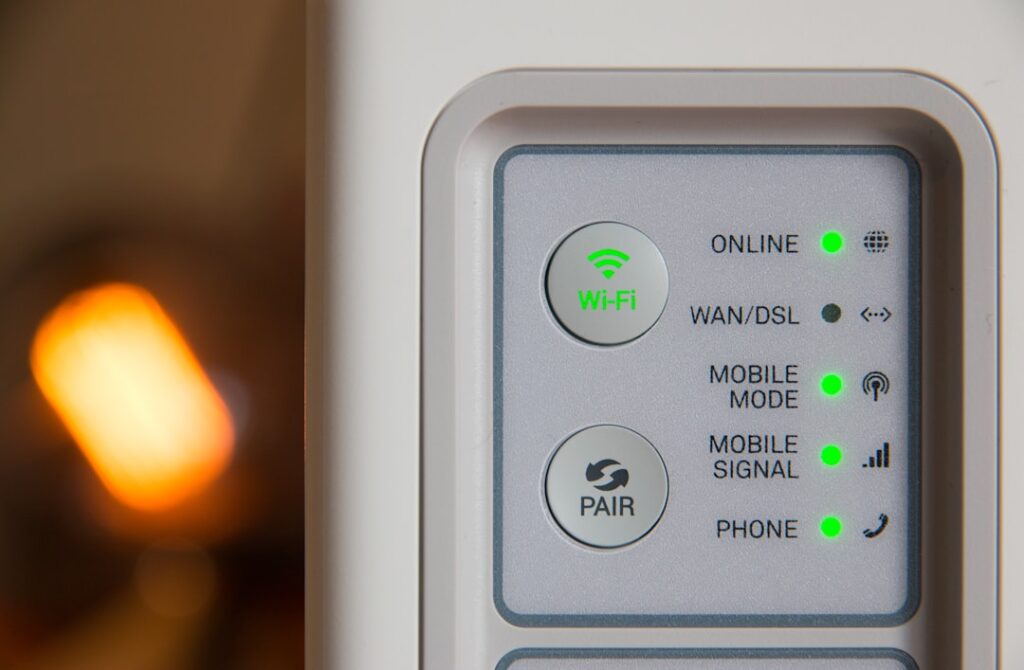
Printer offline, not found, or dropping off Wi-Fi? Learn why it happens in homes and small offices and how to make the connection reliable.
Useful summaries up front, then deeper steps when you need them.
Live deal/source areas refresh daily. Articles keep their actual modified dates.
Related guides, tools and human support appear where they are genuinely useful.
Search the blog first, or go directly to human support.
Get human help →