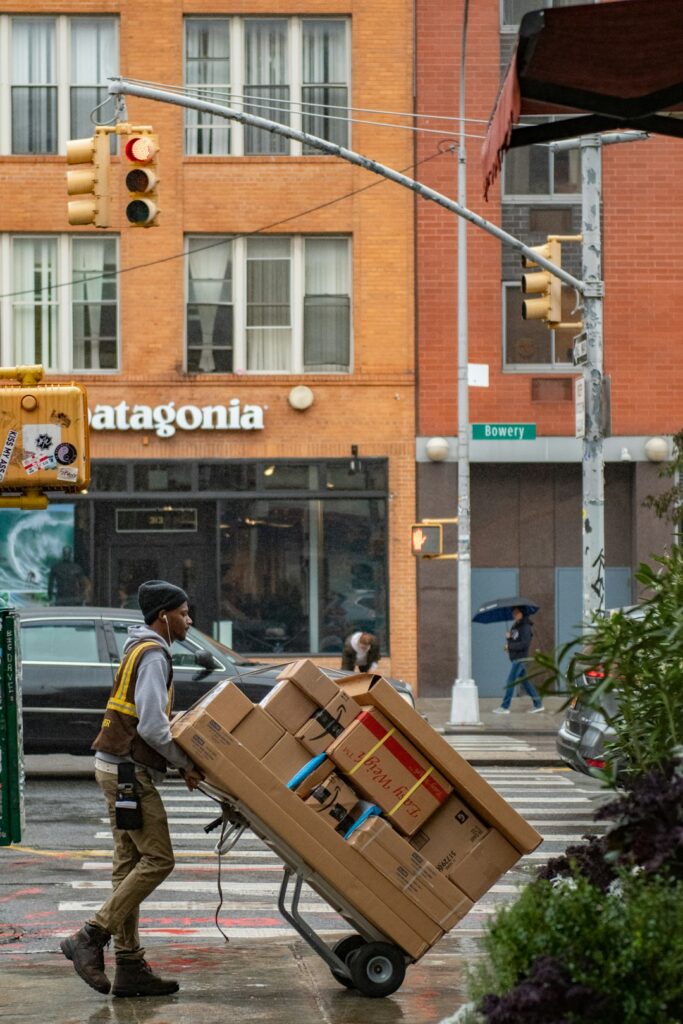
You have the keys, the movers are booked, and the boxes are labelled. Internet is the thing almost everyone leaves to last — and it’s the one thing you cannot fix in an afternoon once you’ve moved in.
In Manhattan the gap between “I’ll sort it when I get there” and actually having a working connection can run two to three weeks. If you work from home, that is a real problem. Here’s the order that gets you online on day one.
Get Human Help →
Before you sign the lease: find out what the building actually has
This is the step that saves the most pain, and almost nobody does it. Not every Manhattan building carries every provider. Some prewar buildings have Verizon Fios; some have only Spectrum coax. Some co-ops have an exclusive deal with one provider. Some have building-wide Wi-Fi included in maintenance, where you cannot choose at all.
Ask the landlord, super, or managing agent three questions before you commit:
- Which providers serve this line? Not the building — the specific apartment. Fios availability can differ floor to floor in older buildings.
- Is there already a live line in the unit? An existing, working jack means an install can sometimes be done as a self-install kit in a day rather than a scheduled technician visit weeks out.
- Does the building require a certificate of insurance for the installer? Many Manhattan buildings do. If the provider’s contractor doesn’t have one on file, they will be turned away at the door and you go back to the end of the queue.
That last one catches people constantly. The technician arrives, the doorman refuses entry, the appointment is burned, and the next slot is ten days later.
Three to four weeks out: book the install
Order the service as soon as you have a move-in date, not after you move. Installation slots in Manhattan book out, and the good ones — early morning, weekday — go first.
When you order:
- Give the apartment number exactly as the building uses it. “4B” and “Apt 4B” and “Unit 4B” can resolve to different records in a provider’s system and the technician ends up at the wrong door.
- Book the first slot of the day. Later appointments slip when earlier jobs run long.
- Ask whether it’s a self-install or a technician visit. If self-install, the kit ships to you and you can be online in twenty minutes. If it’s a technician, you need to be there, and so does building access.
- Get the certificate of insurance sorted between the provider and the managing agent, in writing, before the date.
Do not cancel your old service too early
Schedule the disconnection for a few days after your move, not the day of it. The overlap costs a few dollars and saves you from being offline if the new install slips — which it does, often.
If you’re going to be without a connection for a stretch, set up a phone hotspot as a fallback before you need it. Check the data allowance on your plan first; a week of working from a hotspot will eat through a small one fast.
Moving day: the fifteen minutes that matter
When you unpack the router, resist putting it wherever the cable happens to come in. That is almost always a front corner near a window — the worst spot in the apartment. Signal radiates outward in all directions, so a corner placement throws half your coverage into the street.
Put it as close to the middle of the apartment as the cable allows, up off the floor, out in the open. A longer coax or Ethernet run is cheap and makes more difference than any other single decision. Our guide to Wi-Fi dead spots in prewar apartments goes into why old Manhattan walls are so hard on signal, and what to do about the back bedroom.
What to expect in an older building
Most of the housing stock on the Upper West Side predates 1940, which brings some predictable surprises:
- Lath-and-plaster walls, often over metal mesh, absorb Wi-Fi far more than modern drywall. One router may not cover a long railroad layout.
- Old coax that was run for cable TV decades ago may be corroded or split badly, which shows up as a connection that works but is inexplicably slow.
- Shared building nodes mean your speeds can collapse every evening when the whole building is streaming. That is congestion, not your equipment, and no new router fixes it.
- No landline jack in the room you want the router in. This is where a longer cable run, MoCA adapters over existing coax, or a second access point comes in.
The week after: the things people forget
Once you’re online, there are a handful of jobs that quietly break if you skip them:
- Reconnect the printer to the new network, and reserve its IP address on the new router so it doesn’t drop off in a month. See why printers say offline while still connected.
- Re-point your backup. If you back up to a network drive, the path has changed. A backup that silently stopped working on moving day is a common and expensive discovery months later — our guide to backing up properly covers verifying it still runs.
- Update your address with your bank, your doctor, the DMV, and anywhere two-factor codes get posted to you.
- Rename the network. Default names like “SPECTRUM-A4F2” tell everyone in the building which provider you use and which router model you have.
- Change the router’s admin password. It is almost certainly still the one printed on the sticker.
A realistic timeline
- Before signing: confirm providers, existing line, and the certificate of insurance requirement.
- 3–4 weeks out: order service, book the earliest slot on move-in day or the day after.
- 1 week out: confirm the appointment and that building access is arranged.
- Move-in day: install, then place the router centrally rather than wherever the cable lands.
- Day 2–3: printer, backup, network name, router password.
- A few days later: cancel the old service.
When it’s worth having someone do it
If it’s one laptop and one router, you can do all of this yourself in an afternoon. It’s worth calling someone when the apartment is large or awkwardly shaped and one router won’t cover it, when you’re moving a home office with printers, drives and several machines that all have to find each other again, or when you’re moving a small business and cannot afford to be offline on Monday.
Tech Support NYC handles move-in setups across the Upper West Side and Manhattan — router placement, mesh coverage, printers, backups, and getting a home office working the same day rather than the same week. If you’d rather not spend your first days in a new apartment on hold with a provider, get in touch.
On-site and remote tech support for homes and small businesses across the Upper West Side and Manhattan.
Book a consultation (844) 915-4004
We value your opinion. If we have helped you, a quick review means a lot — leave one on Google. Thank you.